|
|
To change authority levels in ClockMeIn, go to T4 Clock, then User Manage.
Please note that the device needs to be connected and powered on in order for you to change these settings.
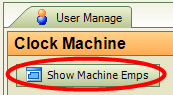 Click on ‘Show
Machine Emps’ in order to bring up all the employees currently stored on the T4
Device along with their current authority levels.
Click on ‘Show
Machine Emps’ in order to bring up all the employees currently stored on the T4
Device along with their current authority levels.
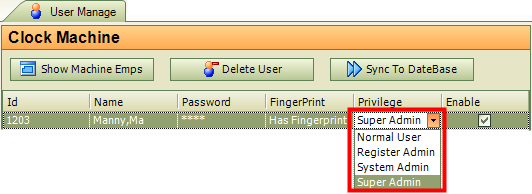
Using the drop down menu, select which authority/privilege level you would like that employee to have.
**Remember that you must click on ‘Sync to Database’ right above in the same window in order for the changes to be saved in ClockMeIn.
 Contents
 Index
Index Search
 Previous
 Next
Next