 |
|
To delete a user/admin that has a fingerprint and password stored, press ‘MENU’.
‘User Manage’ is automatically selected, press ‘OK’.
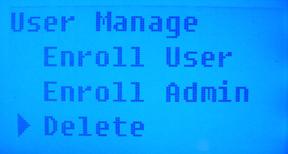
Arrow down to select ‘Delete’ and press ‘OK’.
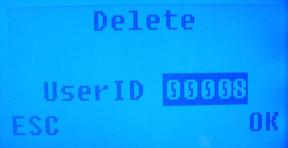
Enter the UserID that you would like to delete and press ‘OK’.
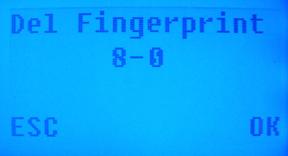
Press ‘OK’ to delete the user’s fingerprint.
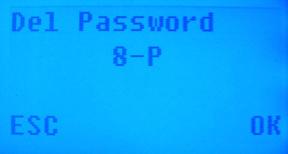
Press ‘OK’ to delete the user’s password.
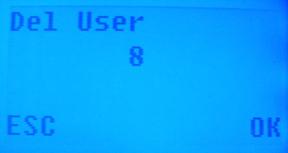
Press ‘OK’ again to finish deleting the user.
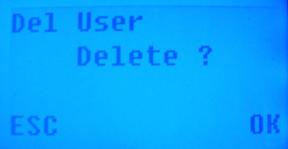
Press ‘OK’ one more time to complete the deletion.
 Contents
 Index
Index Search
 Previous
 Next
Next