 |
|
Place the finger on the fingerprint sensor in the Welcome Screen.
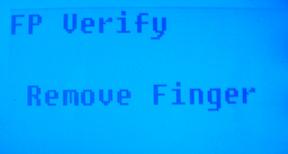
This screen will appear for about 0.5 seconds.
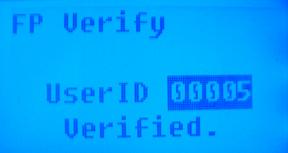
If the test was successful, it will say “Thank you” and the screen above
will show with the User ID of the person whose finger was scanned.
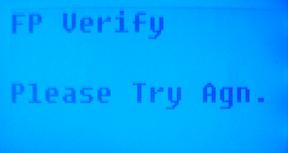
If your identity cannot be verified, you are prompted to try again as shown in the screen above. This screen will show for 0.5 seconds and then will return to the start-up/welcome screen.
 Contents
 Index
Index Search
 Previous
 Next
Next