|
|
First, you must be sure that Series 2000 is ready to use ClockMeIn. Here’s how…
4. Create New (bottom left of screen)
5. Enter username: ‘clock’ then password: ‘clock’ or a username and password that you choose.
6. Make sure Clock Admin is selected under Def. Sec.
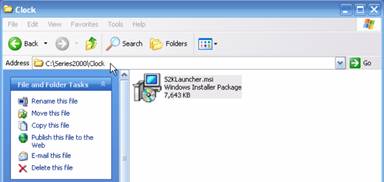
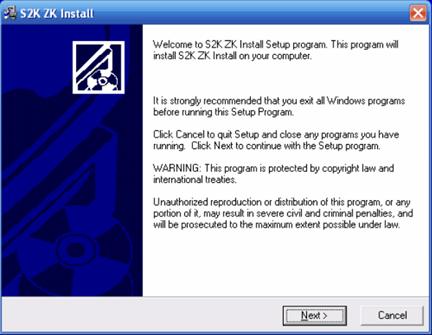
Now follow the file path below on your PC to begin installation.
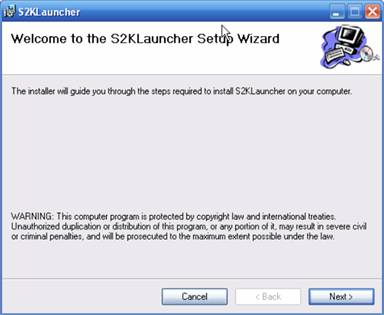
Double click on the file named S2KLauncher.msi.
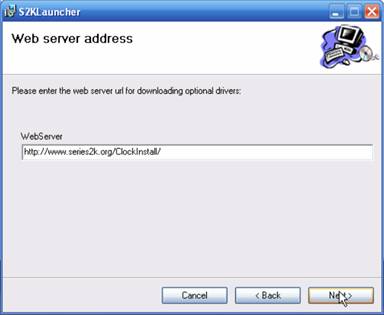
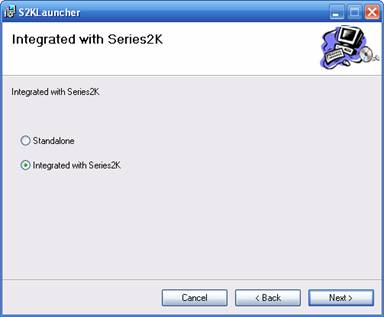
Select ‘Integrated with Series2K’ then click ‘Next’.
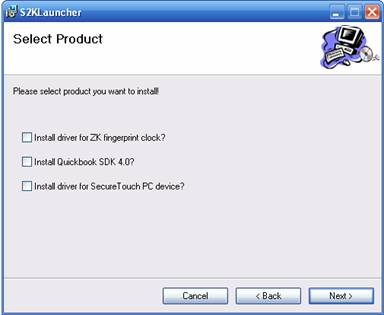
Select the products you wish to install. You can select 1, 2 or all 3 of the options depending on your needs. Select the first box if you will be using the T4 Fingerprint Device.
Select the second box if you will be using QuickBooks.
Select the third box if you will be using the SecureTouch PC fingerprint device.
Once you have made your selections, click ‘Next’.
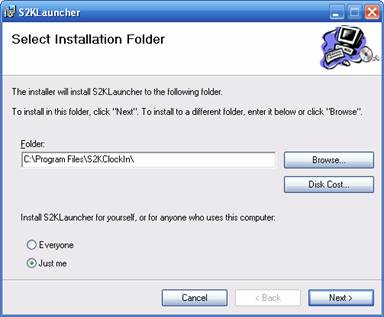
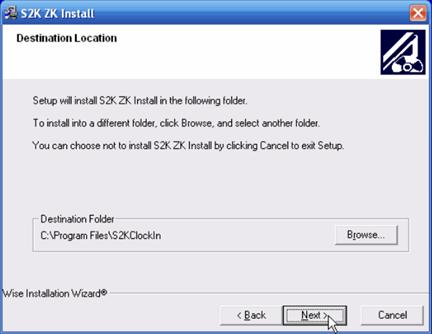
On this screen, all that you need to do is select ‘Just Me’ then click ‘Next’. The folder or file path should automatically come up as shown above.
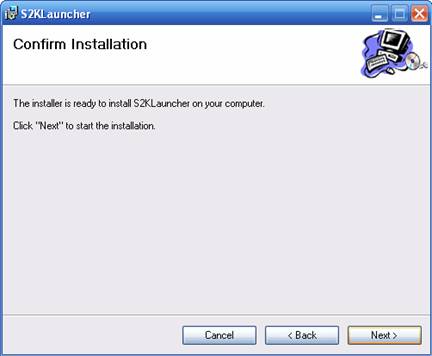
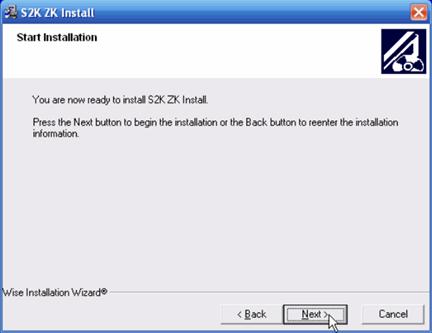
Click ‘Next’ to continue the installation.
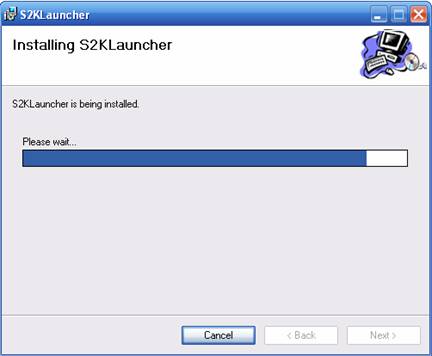
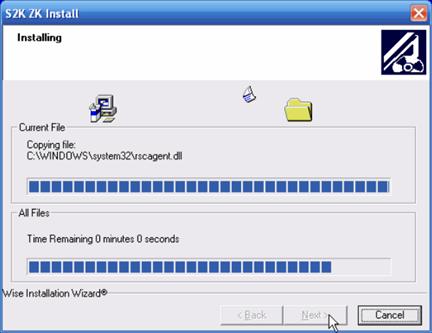
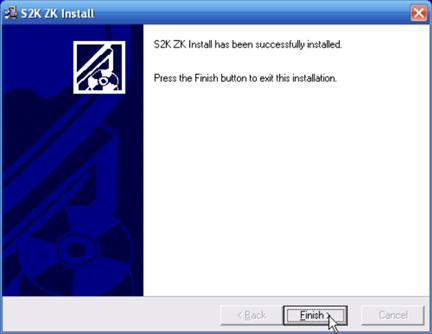
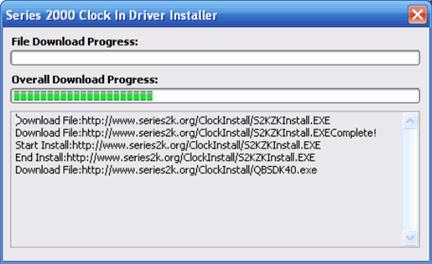
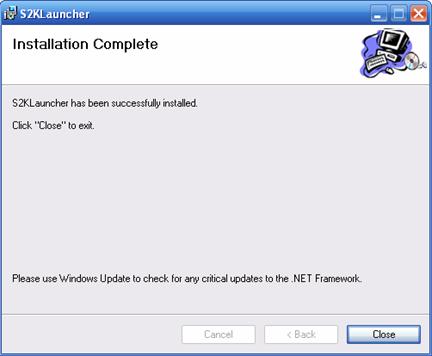
Please wait for the installation process to be completed.
 Contents
 Index
Index Search
 Previous
 Next
Next