 |
|
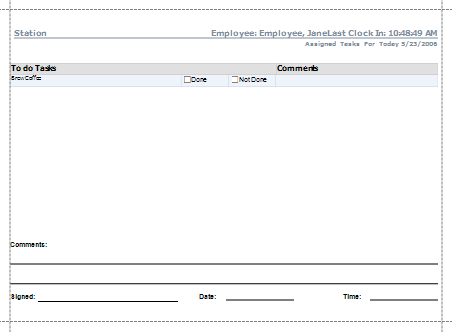
The task report for the employee that has just clocked in will automatically pop-up for printing.
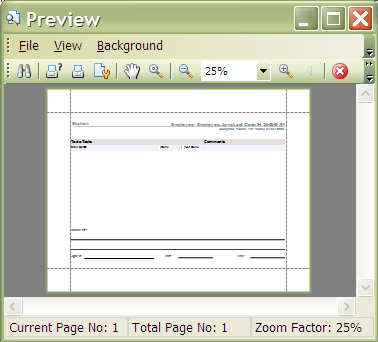
This is the task report preview. To print the report, click on the print icon above. To choose a printer other than the set default printer and for basic printing preferences, click on the printing icon with the question mark next to it.
 Contents
 Index
Index Search
 Previous
 Next
Next