How do I manually enter a missing day
Entering a days data manually is easy. Simply click on the date you want to add and then go to Daily Reconciliation. Click on Manual Input.

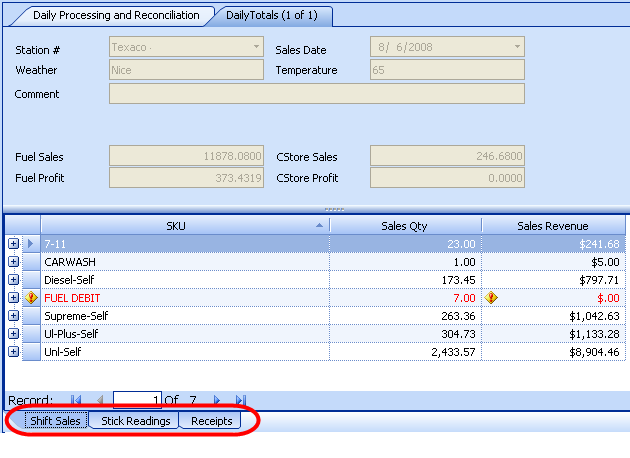
Click on Edit.  Enter your data in the screen shown below, using the tabs
to enter in SKU & Fuel Sales (Shift Sales Tab) and then click the stick
readings tab to enter those and then the receipts tab. Be sure to click on the
save icon
Enter your data in the screen shown below, using the tabs
to enter in SKU & Fuel Sales (Shift Sales Tab) and then click the stick
readings tab to enter those and then the receipts tab. Be sure to click on the
save icon  at the top when you
are done. The tabs are shown circled in red below.
at the top when you
are done. The tabs are shown circled in red below.