Creating a New Assembly
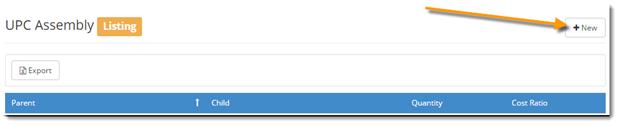
To create a new assembly, click on +New from the UPC Assembly Listing (shown in the picture below).
Enter the Parent UPC, the Child UPC and the Quantity (# of child units contained within the parent). Click ‘OK’.
You can also create an assembly within the item from the Products Listing. Pull up the item and then click on to bring up its details. Then click on ‘UPC Assembly’ on the left.
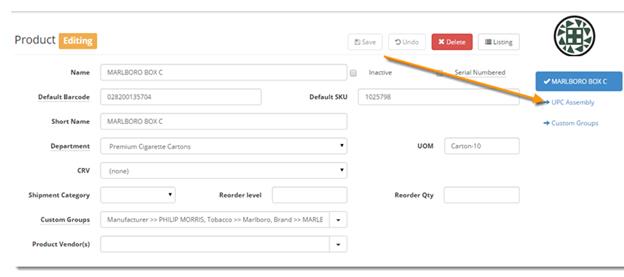
It will list all assemblies associated with that item (pictured below).
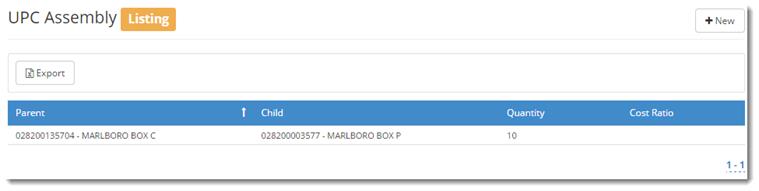
Click on the assembly to edit.