Pricebook Report for 3rd Party Auditors
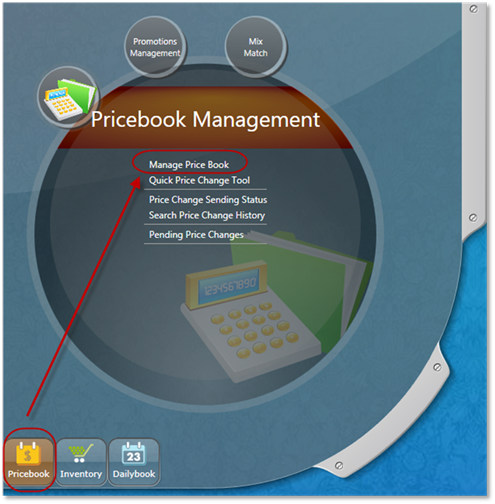
In the pricebook menu, select Manage Price Book
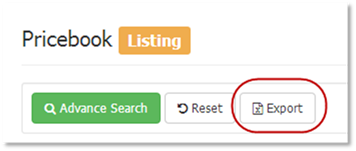
Click the export button:
The export window will open.
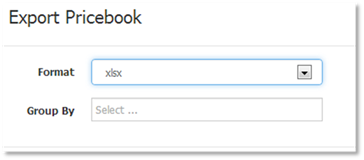
Select Format: xlsx
Group By: leave blank
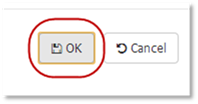
Click OK
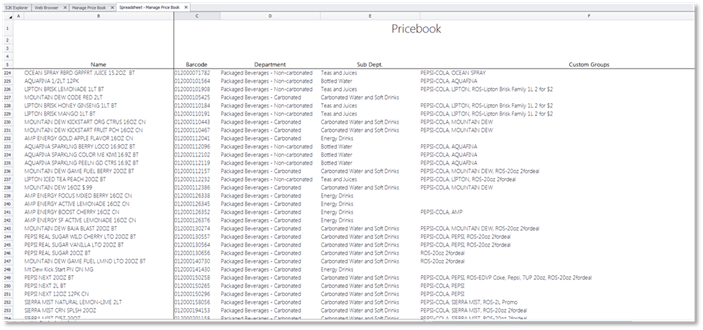
The pricebook file will open
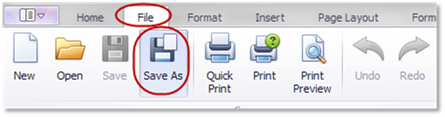
Click File->Save As
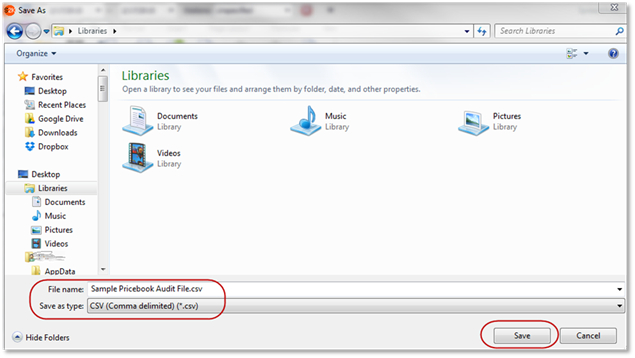
Enter a file name and select CSV as the file type and click Save:
Then email the file as an attachment to the 3rd party auditing company.