Price Change Sending Status
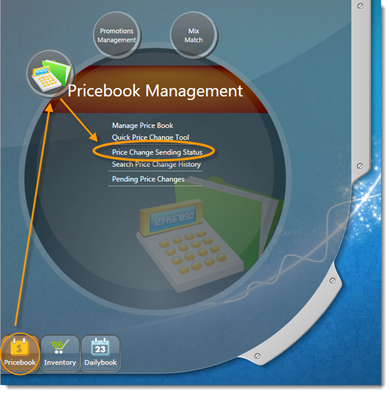
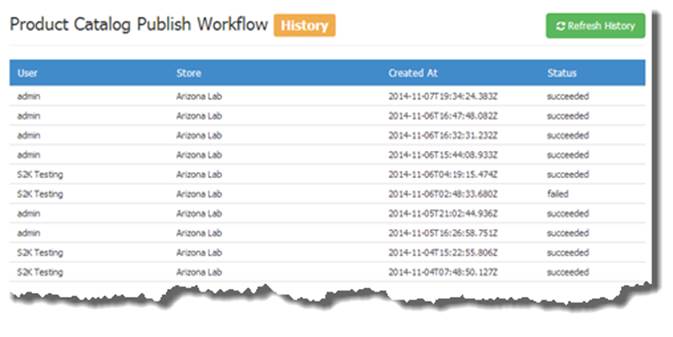
The Product Catalog Publish Workflow History window will open (pictured below).
This window provides you with a history of published price change batches at their location.
This window also shows you which user published the batch of price changes and what day and time it was published and whether or not the batch successfully published to the register.
Click on a published batch in the list to expand the details in that batch (pictured below).
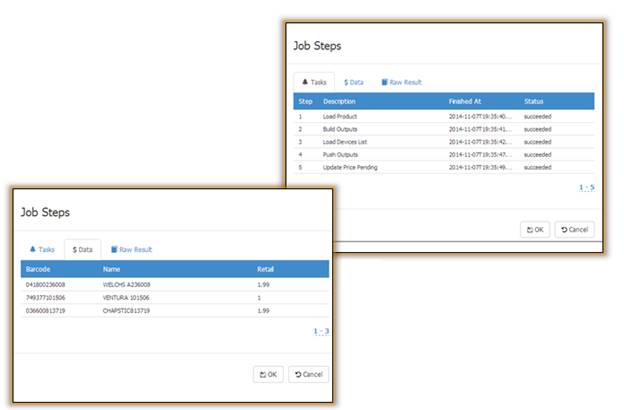
By default, when you click a batch the Tasks section will open (picture above). Click the DATA tab to see details of prices sent to the register (pictured above).