 |
|
To open the program, go to Start on the bottom left of your screen, all programs, Series2000 Clock In, and then S2K Clock-In(No Internet).



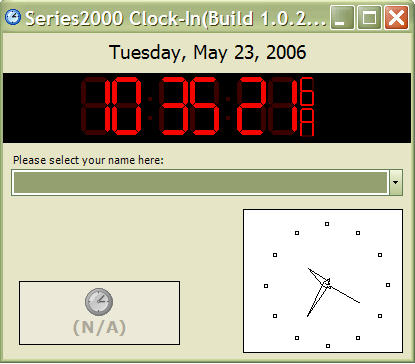
When you open the program this window appears. This is the main program window where all clocking in and out will occur.
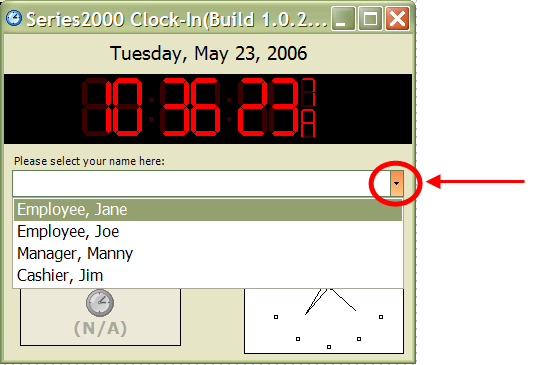
To clock in or out, just select the name of the employee to clock in and out from the drop down menu (circled in red above). To learn how to add employees and change other settings, go to the Clock In Manager.
 Contents
 Index
Index Search
 Previous
 Next
Next