 |
|
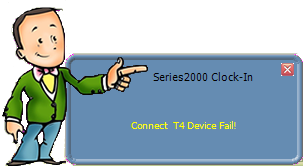
This message will pop up on the bottom left hand side of the screen on the PC to which the device is connected.
Check to make sure:
1. The unit is plugged in and powered on (both AC power and network cable into bottom of device)
2. Network connections/cables are properly connected to device, router and PC.
3. The IP address settings are correct.
 Contents
 Index
Index Search
 Previous
 Next
Next