Creating, Editing, and Deleting Touch Menus
Touch Menus require an ID and name. All other fields are optional. CAUTION: Using an ID that already exists will cause indeterminate behaviors on the POS. Care must be taken to not create multiple menus that use the same ID. There is no automation to prevent a user from creating duplicate IDs.
There is no limitation on the number of characters in the name for S2K but please check with your POS provider for any limitations at the register.
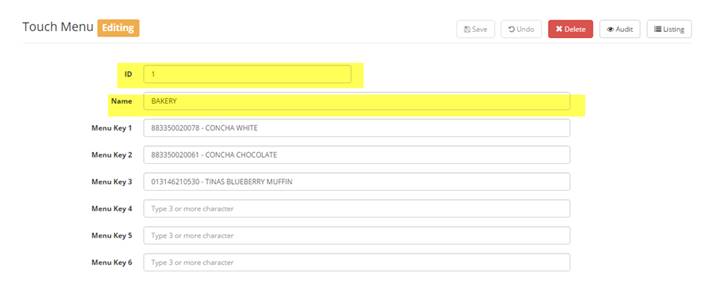
To add items to the menu simply begin typing the item number or description in the field next to the desired key position. At least three characters are required before the system will display matching results. Click on the matching item to add. The menu name entered in S2K is not the name which displays on the touch screen - this needs to be manually updated in SMS by a user with the appropriate access
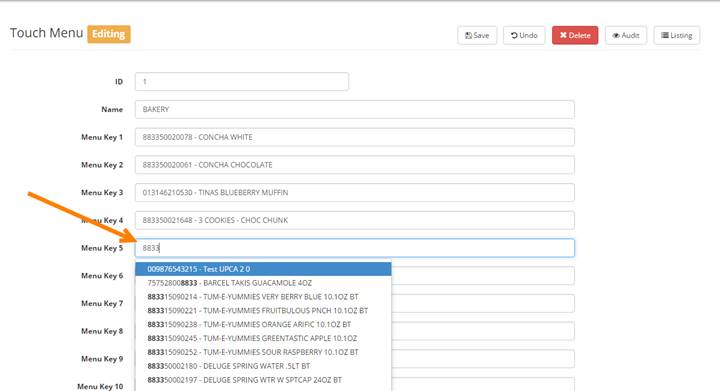
To delete an item simply remove it from the field using delete or backspace on your keyboard.
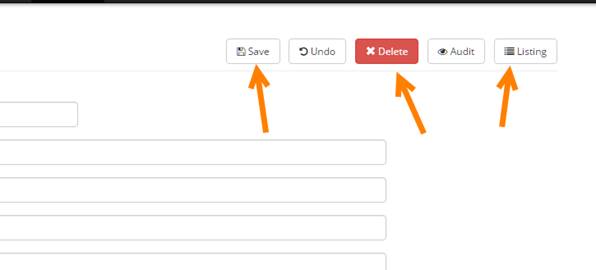
When done creating or editing the menu click “Save”. NOTE: POS holds 200 SYSIDs. Entering any ID over 200 will cause the publish job to fail.
To delete the menu click “Delete”.
To return to the Touch Menu Listing without saving or deleting click “Listing”.
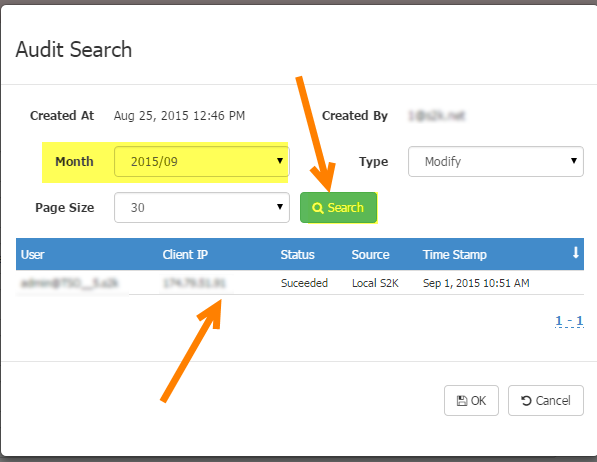
Clicking on the “Audit” button allows users to search for historical changed made by users for each menu. Simply enter the criteria and click SEARCH to view results: