Publishing Touch Menus
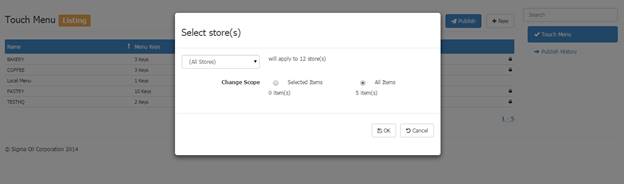
To publish Touch Menus to the POS click Publish in Touch Menu Listing. A dialog will be displayed allowing you to select the store scope and items will be published. Clicking OK will create the jobs to send the menus to the POS.
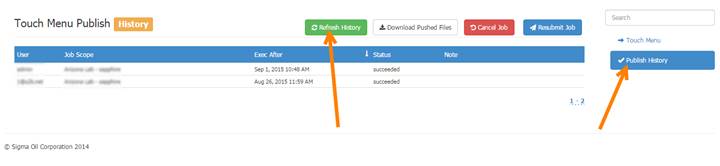
Click Publish History in the right hand column in Touch Menu Listing to see the status and history of these jobs, click “Refresh History” to view the history: